Drawing by quadractic shaped curves along contours.
The intention here is to draw a representation of the photographic source image using toned curves which follow along image contours.
- Take a gray scale source image < 1/5 to 1/10 the size of the output screen size (say < 200 x 200), the predominant (background) tone should be a mid tone and it should have good contrast.
- Convert the image into a 2D spline representation (I use the python numarray image processing package) so that its numerical value can be evaluated at any arbitary point on its surface.
- Choose an arbitary point on the surface, but choose tones near the predominant background tone less often. (I use a normal distribution around the backgound tone).
- At this point calculate its value on the image surface using 2.
- Starting at the point chosen construct a circle of given radius around the chosen point. Evaluate the values as in 4. at equal intervals around the circle. Subtract the central value found in 4, and look for zero crossings (where the value changes from + to - between successive points on the circle). If an image contour runs through the circle there will be two crossing points.
- If there are two crossing points, increase the radius of the circle, and the number of sample points around its circumfrence. Repeat from 5 until either there aren’t two crossing points on the circle or the angle (determined by analytical formula) formed between the two points on the circumference and the central point has changed signifigantly.
- Repeat from 3 until sufficient curves are calculated to form a representation of the image (~1000+)
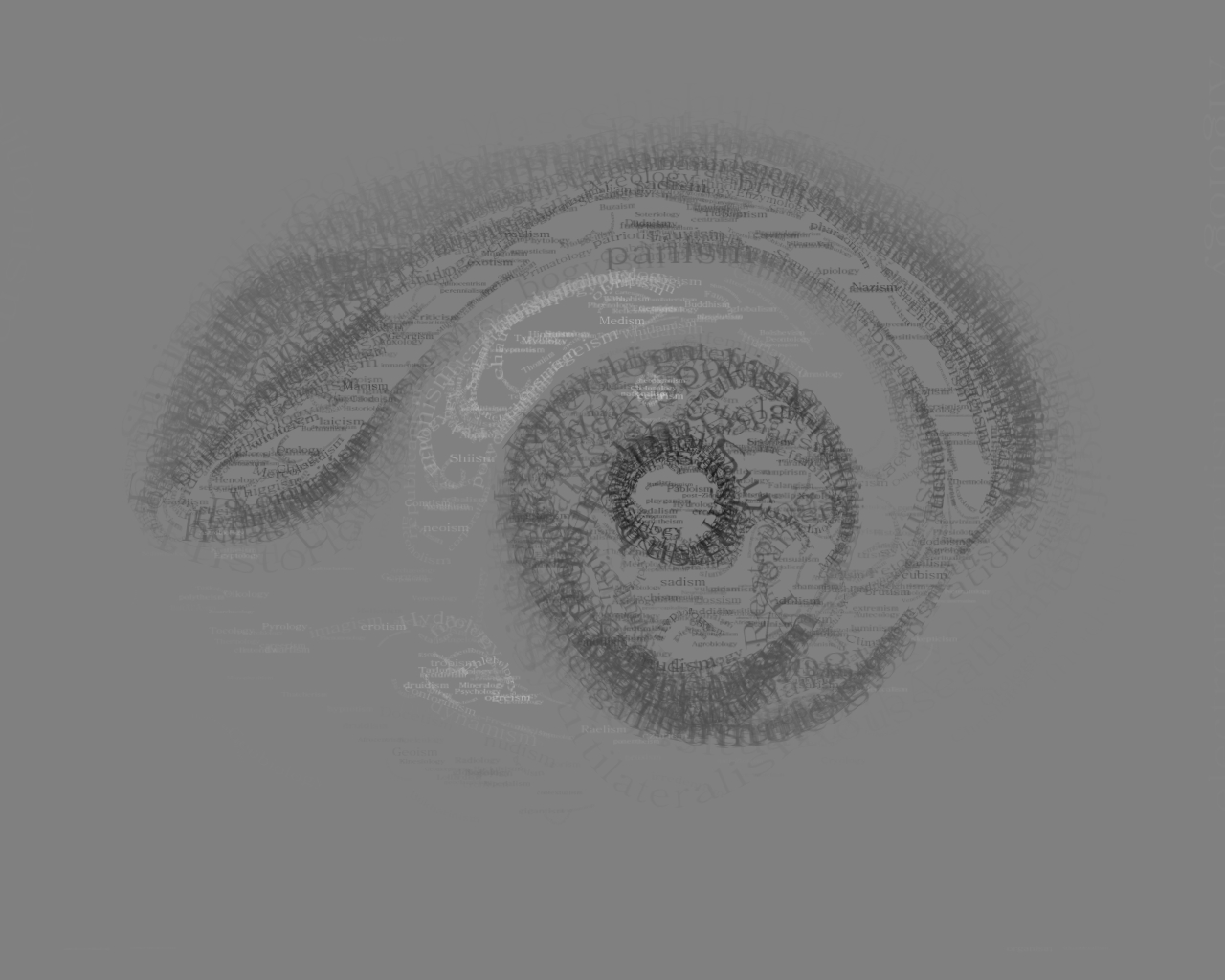 In using these curves to draw the image it would be assumed that the longer the curve the wider it would be, but also more transparent and further back (so that it doesn’t dominate the image).